Built for the moment before sleep.
Murmur plays your own audiobook files. When you fall asleep mid-chapter, it uses Apple Health to find roughly where, and rewinds the book to that moment the next morning.

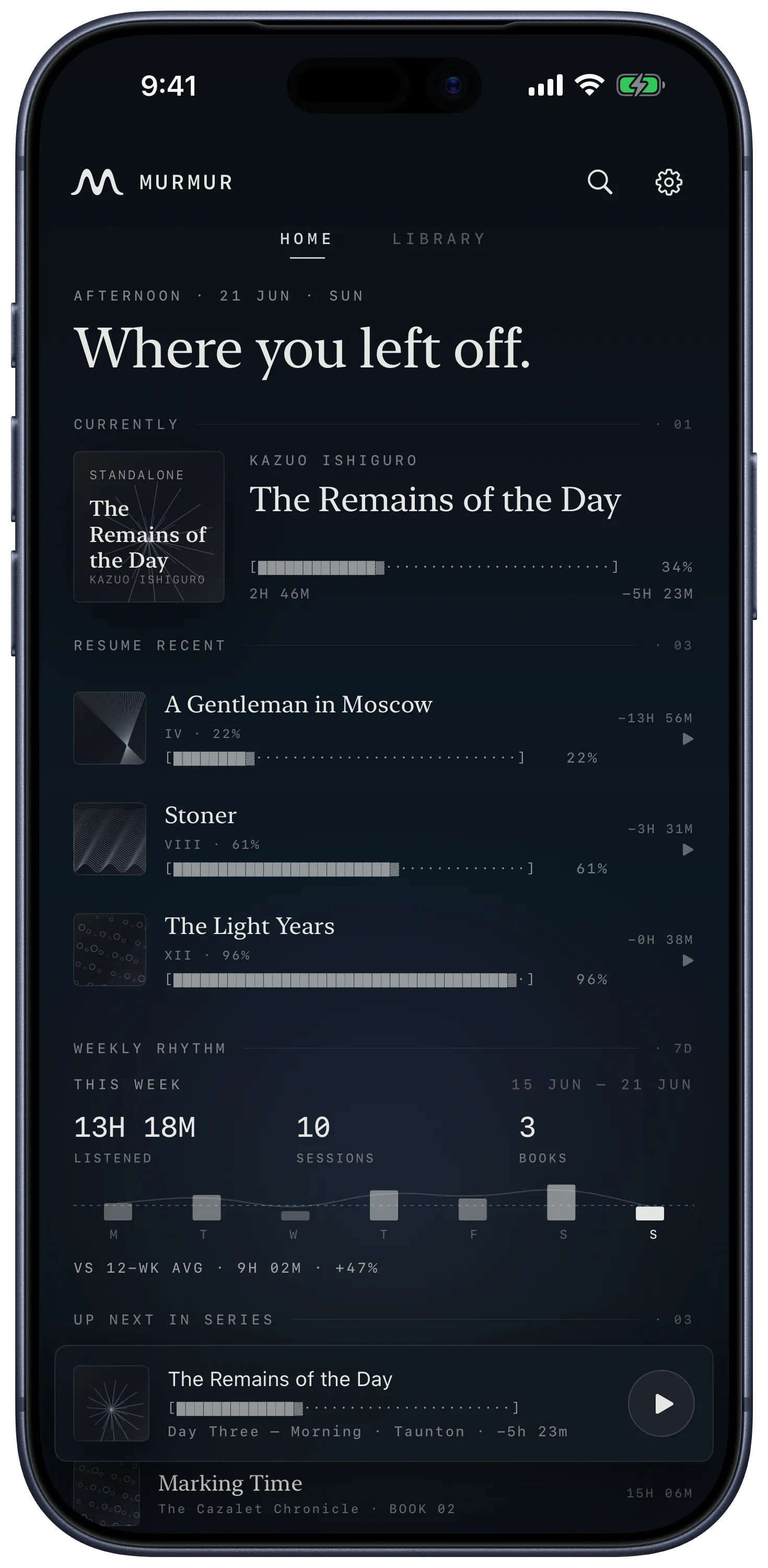
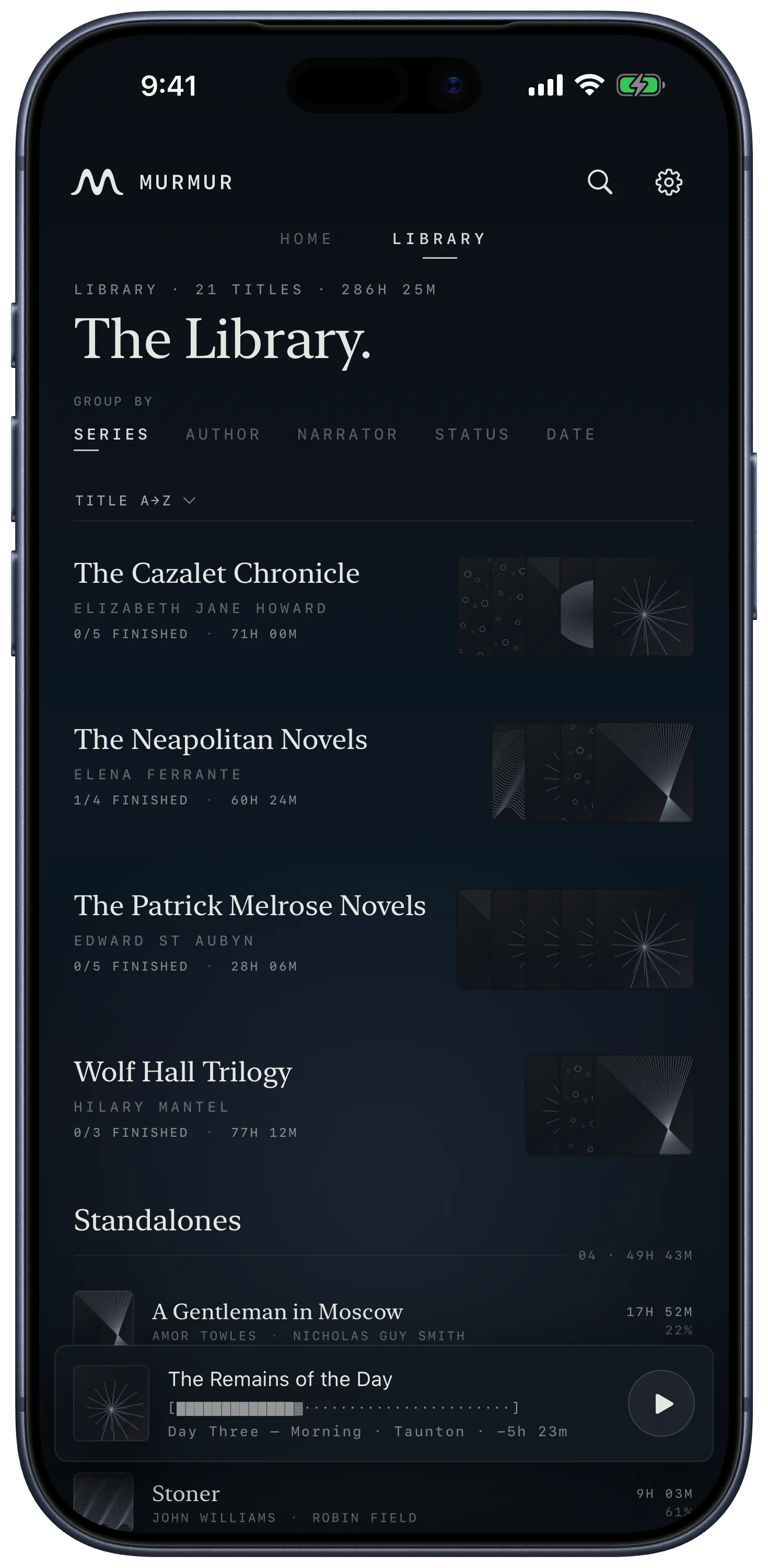
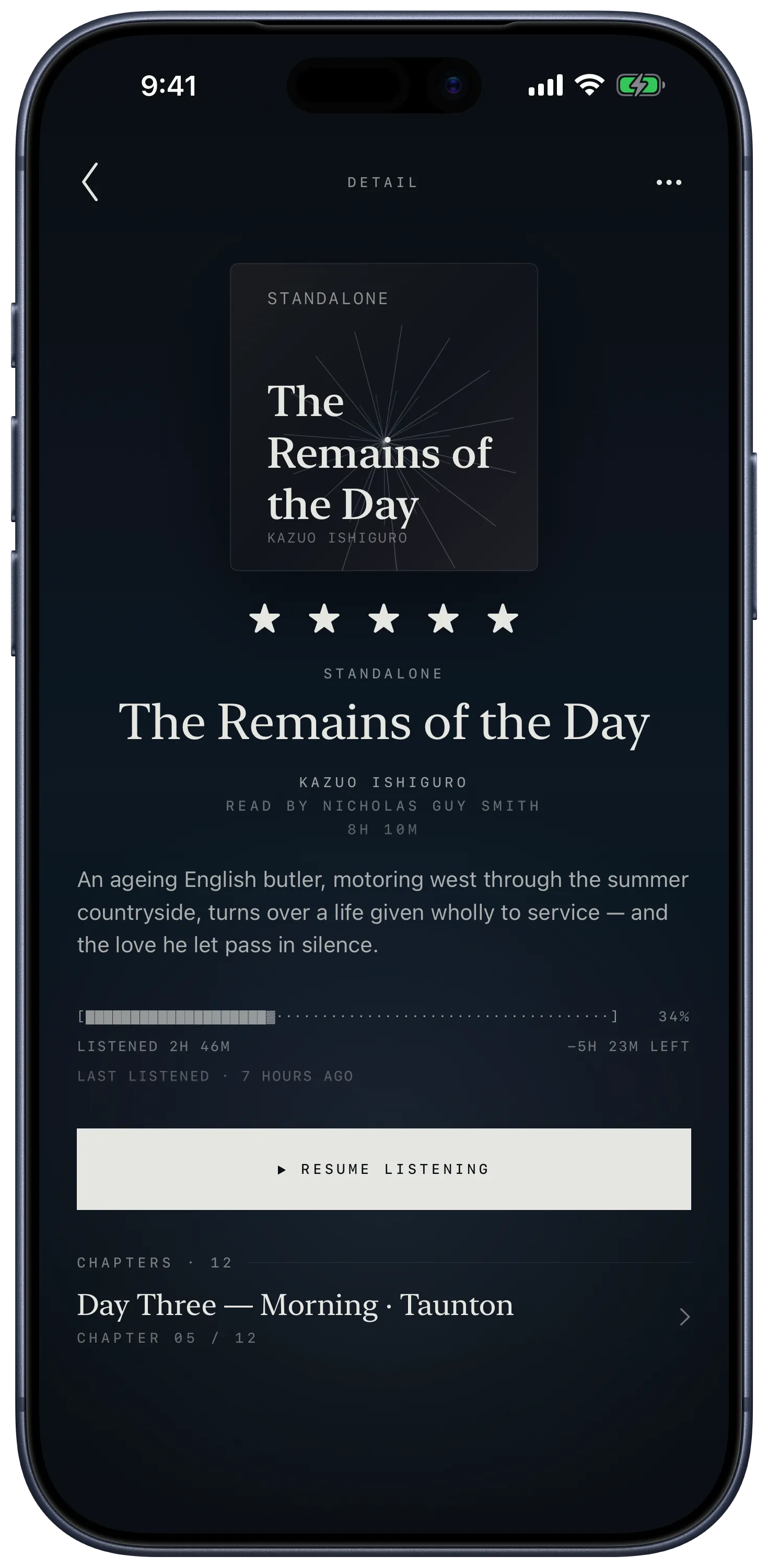
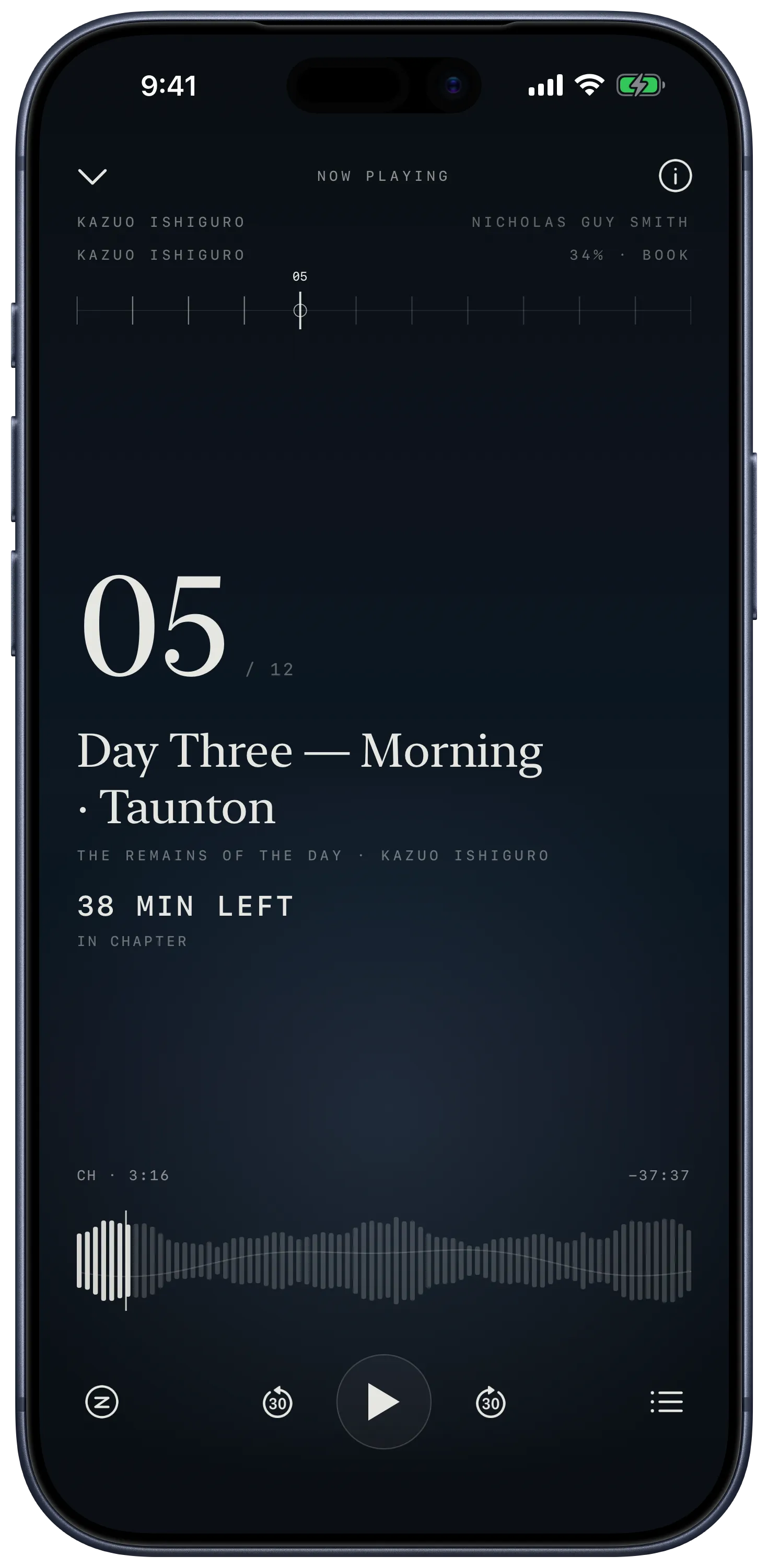
Home opens on where you left off, and on the rewind from last night.
What it does
Audio at bedtime has one specific problem. If you read on paper, you close the book when your eyes get heavy. With audio, that doesn’t happen — you drift off mid-chapter, the book keeps going, and in the morning you have no idea where you actually stopped paying attention.
Murmur watches for the moment you fall asleep. While you listen, the app reads two timestamps from Apple Health: the time it last knew you were actively listening, and the time your iPhone or Apple Watch first registered you as asleep. Open the book the next morning and Murmur rewinds you to roughly that moment, with a small buffer back so you can re-orient.
Murmur plays files you already own — .m4b, .mp3, .m4a, .flac. Bring them in from Files, iCloud Drive, AirDrop, or anywhere iOS lets you reach. Audiobook chapter markers come through. Folders of MP3s become chapters in order.
The app is offline and accountless. No sign-in, no Murmur server, no third parties, no analytics. Your library and your listening history live on your device. If you ever need to move between devices or reinstall, a Files-based backup lets you carry your history with you and reattach it to your books on the other side.
The whole thing is designed to be quiet in low light. Dark surfaces, soft type, gentle motion, generous space. The sleep timer is part of the core, not a setting you have to hunt for.
Key features
Sleep rewind. Reads only sleep timestamps from Apple Health, calculates where you stopped paying attention, and rewinds the audiobook to that moment when you open it again.
Local library.
Imports .m4b, .mp3, .m4a, and .flac files and folders. Reads embedded chapter markers, treats folders of audio as chapter-ordered books, picks up nearby cover art.
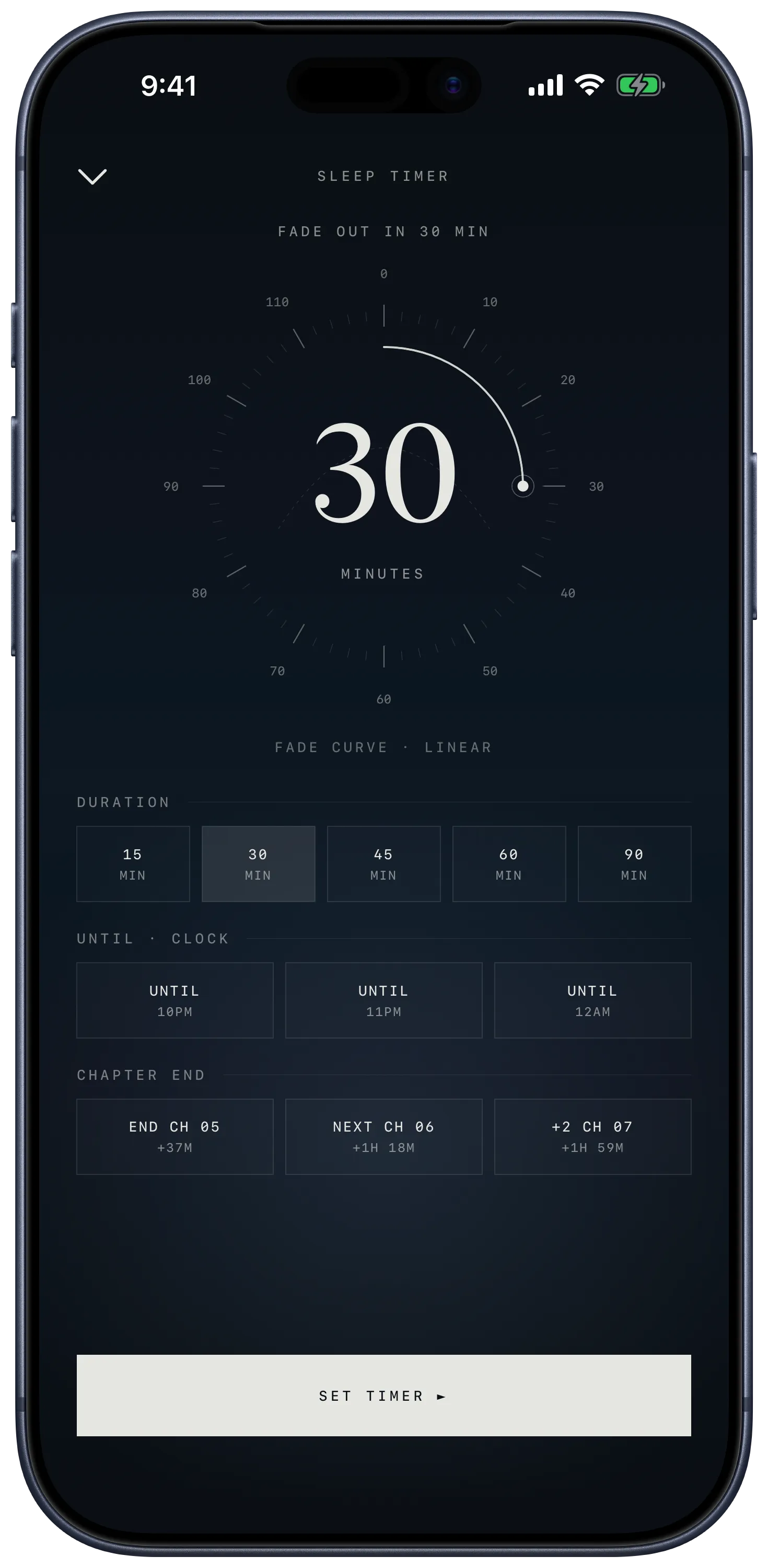
Sleep timer. Fixed durations, wall-clock targets, or stop at end of chapter. Optional volume fade so the session winds down instead of cutting dead.
History backup. Writes your listening history — every book, every chapter position, every sleep-rewind timestamp — to a single file you save anywhere. Restore on another device and Murmur reattaches the metadata as you re-import the audio.
System playback. Lock-screen now-playing card, Control Center, AirPods controls, scrubbing, and skip intervals through the standard iOS playback path.
How it works
- Bring an audiobook in. Tap the plus button in the library and pick a file or folder from Files, iCloud Drive, or AirDrop.
- Grant Apple Health, or skip it. First time you open the player, Murmur asks for read-only sleep access. Decline and you still get bookmarks; accept and you get sleep rewind.
- Press play and close your eyes. No sleep timer needed unless you want a hard stop.
- Open it the next morning. Murmur is already positioned at roughly where you drifted off, a minute or two earlier than the moment your phone first detected sleep.
Who it’s for
People who fall asleep listening to audiobooks. Specifically: people who own their files, prefer offline software, and want one quiet, well-made tool for late-night listening — not a streaming app, not a library manager, not a social audio platform. If your bedside ritual is half a chapter and a fade into sleep, Murmur is for you. If you mostly listen during commutes or at the gym, there are better players.
Frequently asked
What audiobook files work?
.m4b, .mp3, .m4a, and .flac. Single-file audiobooks, folders of chapter MP3s, embedded chapter markers, and nearby cover images all come through. Murmur doesn’t play Audible’s DRM-protected files.
Do I need an Apple Watch?
No, but sleep rewind works best when sleep is recorded clearly. An Apple Watch is the most reliable source. iPhone sleep detection works too. If neither caught your sleep that night, Murmur falls back to the position where you last touched the phone.
Does my listening data leave the device?
No. There is no Murmur server, no analytics, no third parties. Apple Health access is read-only, limited to sleep timestamps, and never transmitted anywhere.
What if I delete the app — do I lose my progress?
Only if you don’t back up first. Settings → Back up & restore writes a small file you can save to Files, iCloud Drive, or AirDrop. Restore that file on any Murmur install and your progress reattaches to your books when you re-import the audio.
Is there an account?
No. No sign-in, no registration, no sync service. The app starts working the first time you open it.
Status and availability
Murmur is live on the App Store. iPhone only, iOS 18.0 or newer, free. The download button above takes you straight there. iPad, CarPlay, Apple Watch, and a Mac companion are tentative for after v1; none are committed.